 cribalo
Keep the frame
that sings.
Cribalo is a calm app for choosing your best photos. You decide, one key at a time, and the next frame is already there.
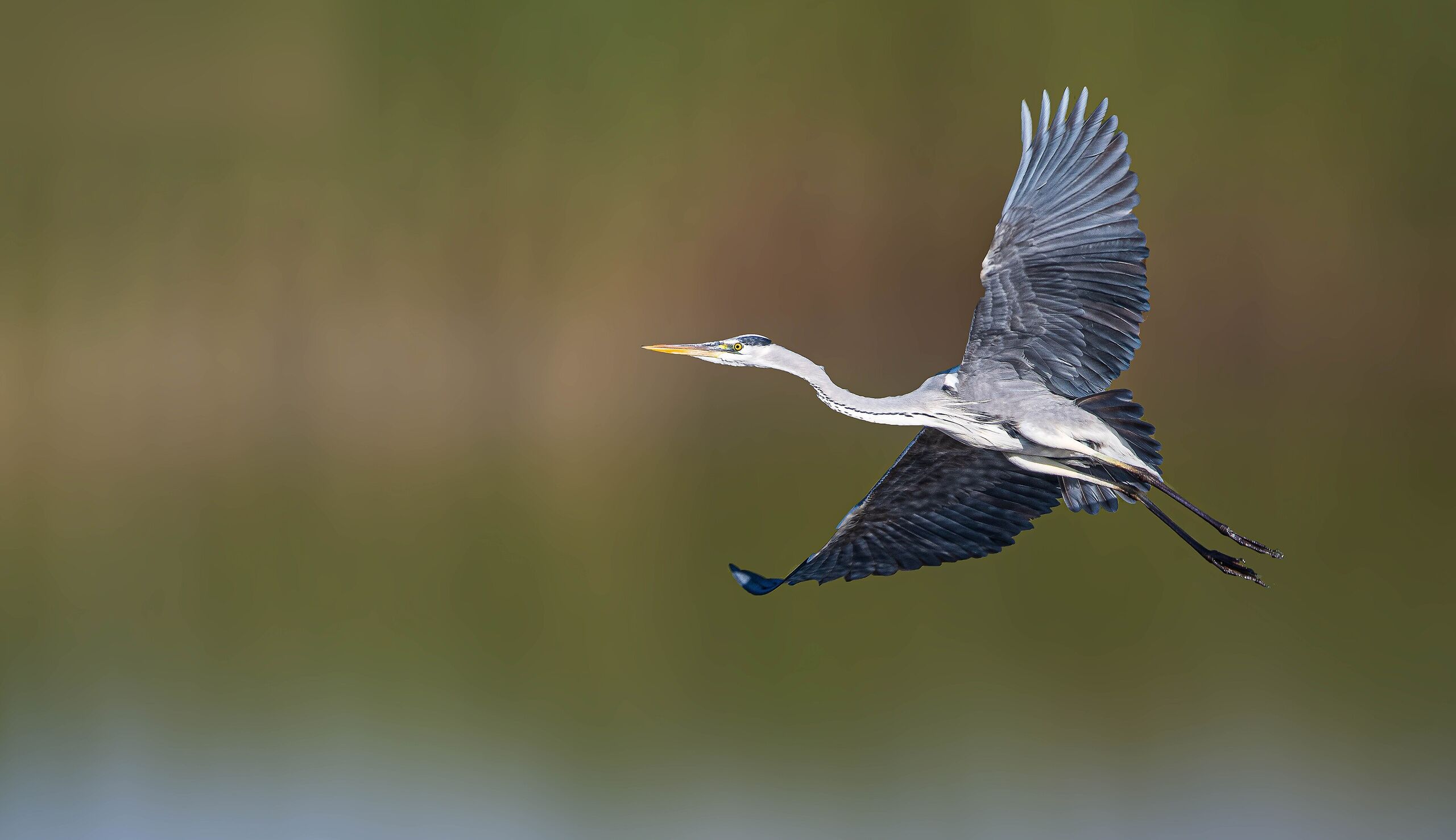
Grey heron in flight. umer.272, CC0.
A thousand frames,
twelve keepers.
Every shoot ends with an evening of looking. Cribalo gives that evening back to the photographs.
Cull a shoot
right here.
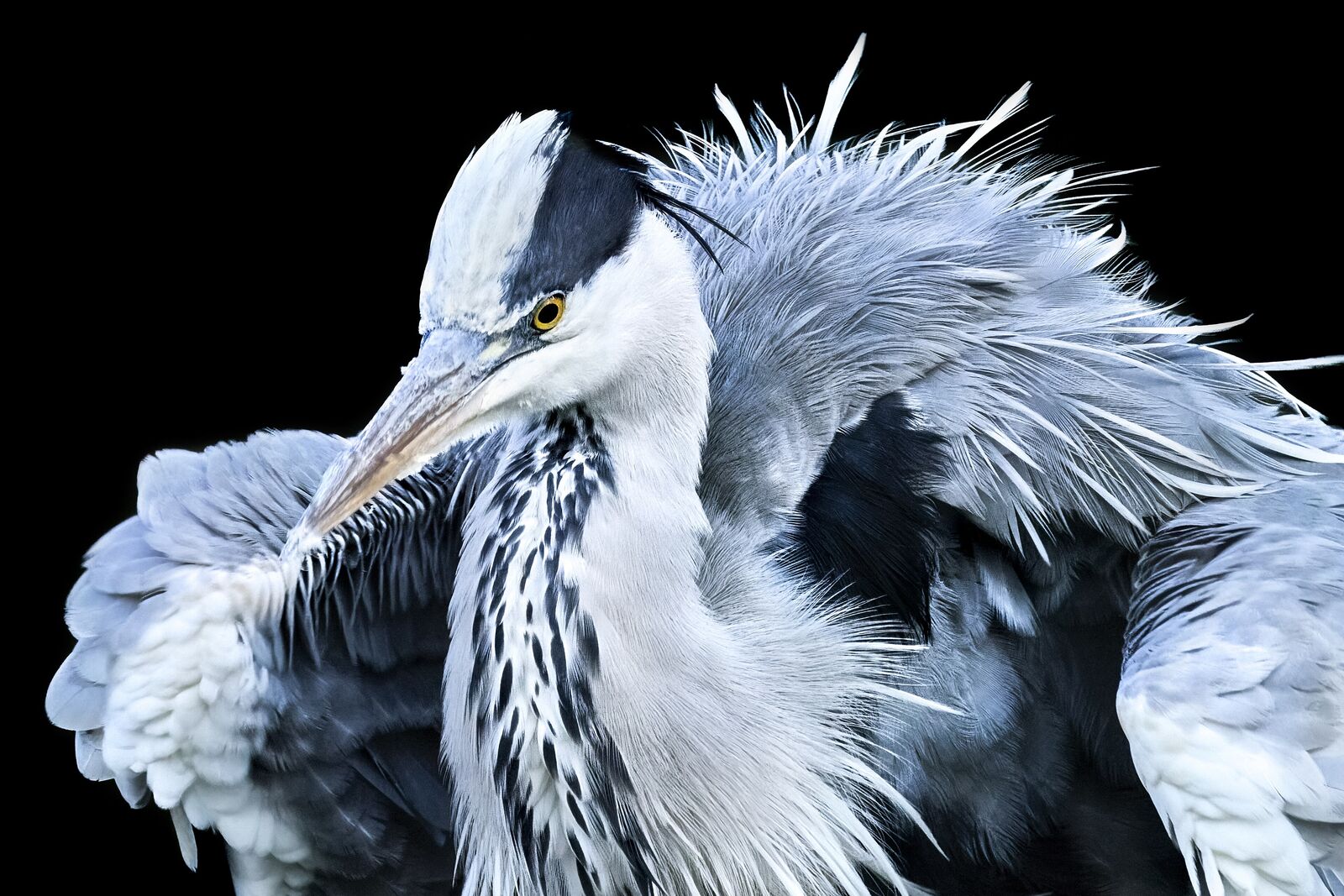
This is Cribalo, working. Press → to move to the next photo, P to pick it, X to reject it, and 1 to 5 to give it stars. A turns on Auto-Advance, so each decision moves you on.
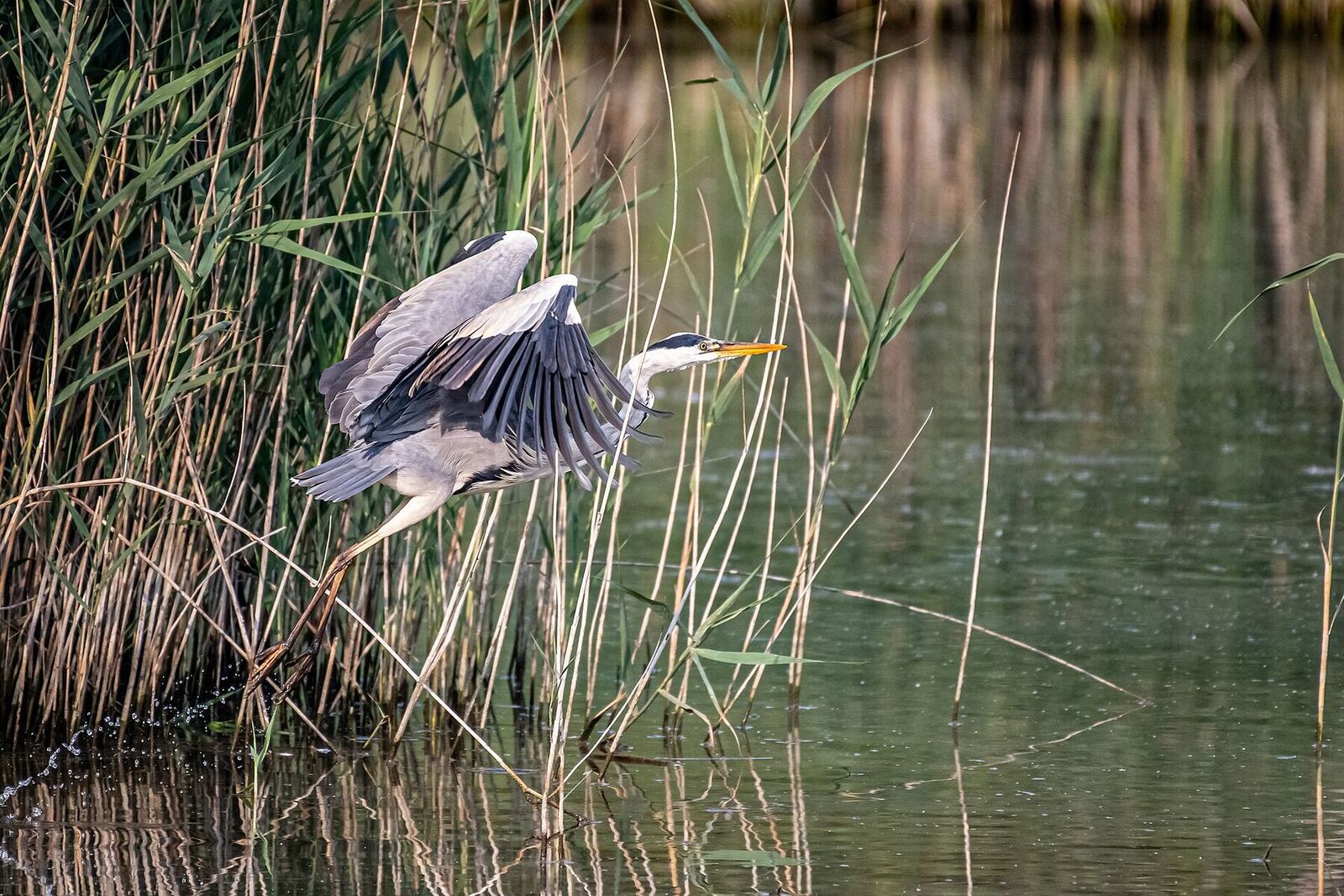
- 1/3
- 2/3
- 3/3
Made for the way
photographers look
Most culling apps want to decide for you, or to be your whole library. Cribalo just helps you see.

Your eye, not an algorithm
Nothing picks for you. Cribalo points out frames that missed focus, and every keep and every cut is your call.
Nothing in the way
No catalogue to build, no import to wait for, no panels you didn't ask for. Open a folder or a card and start looking.
Straight from the card
Start culling the moment the card goes in. It copies off in the background, and every photo is checked against the original.
Two cameras, one story
Shot with a second body, or with a second shooter? Cribalo merges the frames by time, and lines up camera clocks that don't agree.
Every key is yours
Arrows to move, P to pick, X to reject, 1 to 5 for stars. Keep the Lightroom habits you have, or change any key you like.
Works with your editor
Stars, picks and colour labels show up in Lightroom Classic, Capture One and darktable, with nothing to export.
Your photos stay yours
No account to create, and your photos are never uploaded. Everything happens on your Mac, and your RAW files are never changed.
Rounds, when you want them
Go through in passes, keep or reject first, then stars, then bursts side by side, or cull freely. The title bar shows how far you are.

No waiting.
The next photo is on screen before your finger lifts, whether the shoot is two hundred frames or five thousand.
A fishing boat at rest in the evening. Hari K Patibanda, CC BY 2.0.
How it compares
Two of the best-known culling apps, side by side with Cribalo. Each is good at something different.
Cribalo
- Who chooses
- You, one key at a time
- Best at
- Calm, fast culling and a clean hand-off
- Price
- €49 once, or free for life for beta testers
- Updates
- Every update, for life
- Runs on
- Mac, with Windows and Linux coming soon
Photo Mechanic
- Who chooses
- You
- Best at
- Ingest, captions and metadata for press and sport
- Price
- $14.99 a month, $149 a year, or $299 once
- Updates
- While you subscribe, or for one year with the one-time licence
- Runs on
- Mac and Windows
Aftershoot
- Who chooses
- AI makes the first pass, or scores and flags frames for you
- Best at
- High-volume weddings and events
- Price
- $10 a month, billed yearly ($120 a year)
- Updates
- While you subscribe
- Runs on
- Mac and Windows
Prices are each maker's own, in US dollars, as listed in November 2026: Photo Mechanic Standard at camerabits.com, Aftershoot Select at aftershoot.com. Both are good tools; check their sites for what's current. Cribalo is €49, or $49 plus sales tax in the US.
Pay once.
Keep every update.
No subscription. One licence, every future version, on up to two devices.
Beta
Free
Free for life for beta testers. Seats are limited, so not every request gets in
Request to Join the BetaFounding Supporter
€29
A limited number, for the first buyers
Early Supporter
€39
A limited number, after the Founding Supporters
Standard
€49
From then on
Every licence is the same, whatever you paid: lifetime updates and two devices. Founding and Early Supporters are thanked by name in the app, if they'd like to be. Each launch price ends when it sells out, and doesn't come back.
Not sure yet? Try everything free for 21 days. After that the free version keeps working at full speed, with up to 200 photos marked per session.

You decide
how it ends.
When you're done, Cribalo asks what to do with each pile. Nothing moves until you say so, and Undo puts it all back.
Picks
- Open them in Lightroom Classic or Capture One
- Copy them to a folder
- Leave them where they are
Rejects
- Move them to the Trash
- Move them to a “_rejects” folder
- Leave them where they are
Bring the camera
you love
Cribalo reads RAW files from the cameras photographers carry most, and DNG from any camera or phone that writes it.
- Sony
- Fujifilm
- Nikon
- Leica
- Pentax
- DJI
- iPhone
- and more on the way.
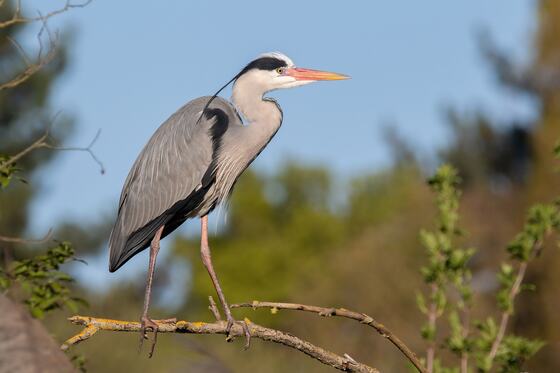

Camera support is tested constantly, against real RAW files from each camera, and the list grows with every update.
Questions
Does it choose photos for me?
No. Cribalo shows you every frame, quickly, and marks the ones that missed focus. Which photos make the cut is always your decision.
Will my picks show up in Lightroom?
Yes. Stars, picks, rejects and colour labels are saved next to each photo in the way Lightroom Classic, Capture One and darktable read them, so they're there when you open your editor.
What happens to my files?
Nothing, until you finish. Then you choose what happens to the picks and to the rejects, and you can undo the move afterwards. Your RAW files themselves are never rewritten.
Can I cull straight from a memory card?
Yes. Cribalo notices the card when it goes in and lets you start while it copies the photos off and checks every one. Nothing is written to the card.
Which cameras does it work with?
Sony, Fujifilm and Nikon RAW files, and DNG from any camera or phone that writes it, Leica, Pentax, DJI drones and iPhone among them. More cameras are on the way.
Is it coming to Windows or Linux?
Yes, both are coming soon. Cribalo is on the Mac first, for macOS 13 or later.
What does it cost?
Beta testers get Cribalo free, for life, with every update. Seats are limited, so you request to join and we let testers in as places open. At launch Cribalo is a one-time purchase: €29 for a limited number of Founding Supporters, then €39 for a limited number of Early Supporters, then €49. Every licence includes every update, for life, on up to two devices.
Sift the
next shoot.
Request to join the beta. Seats are limited, so not every request gets in; we'll write to you if you do. Beta testers keep Cribalo free, for life.
Windows and Linux are coming soon.
The beta starts on the Mac. Once you're in, Cribalo updates itself, so you'll always have the newest version.
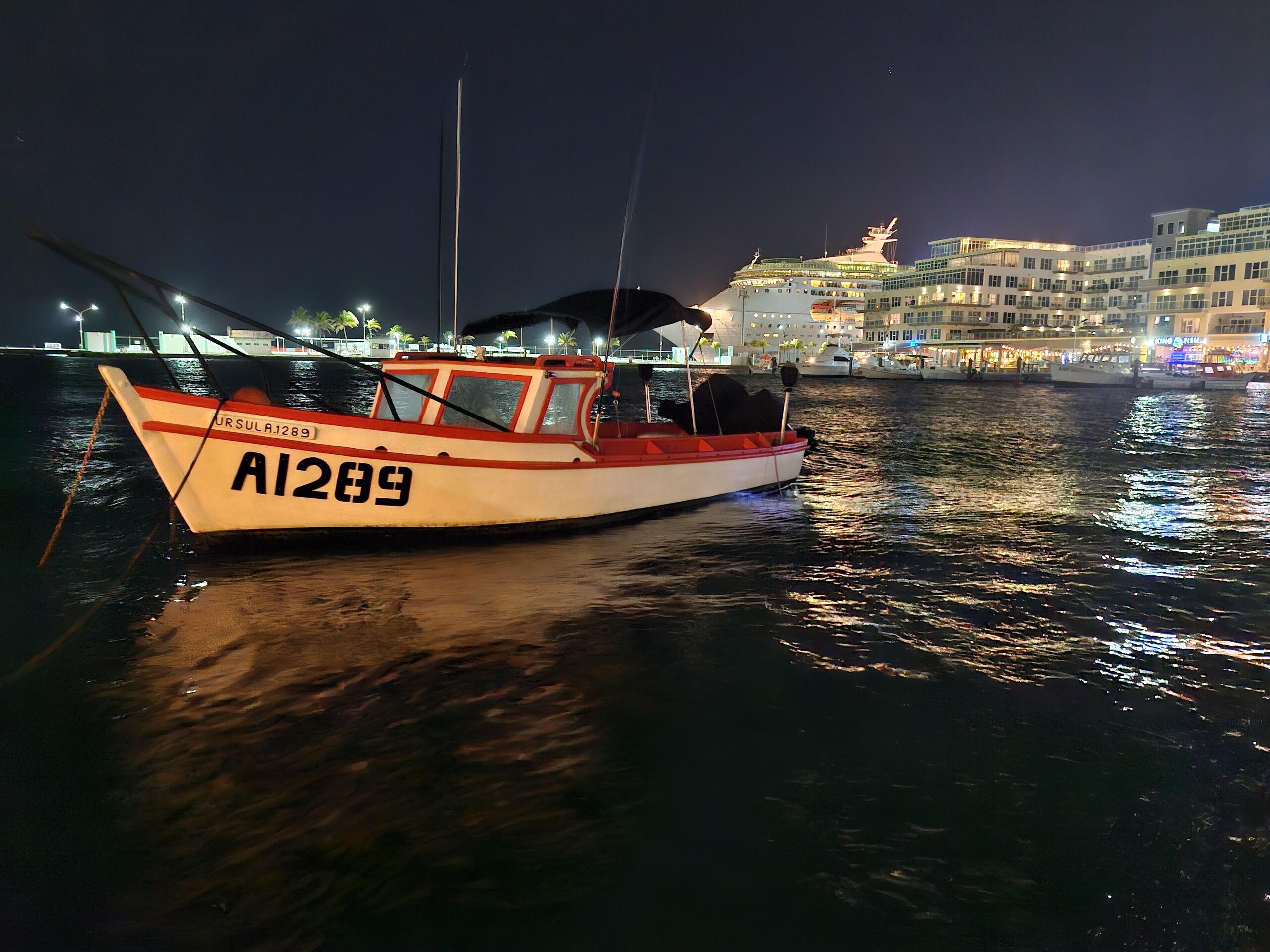
A fishing boat at night, Oranjestad. Ginelly.Q, CC0.